Криптокошелек нового поколения
С возможностью оплаты рублевых QR-кодов и вывода криптовалюты в рубли
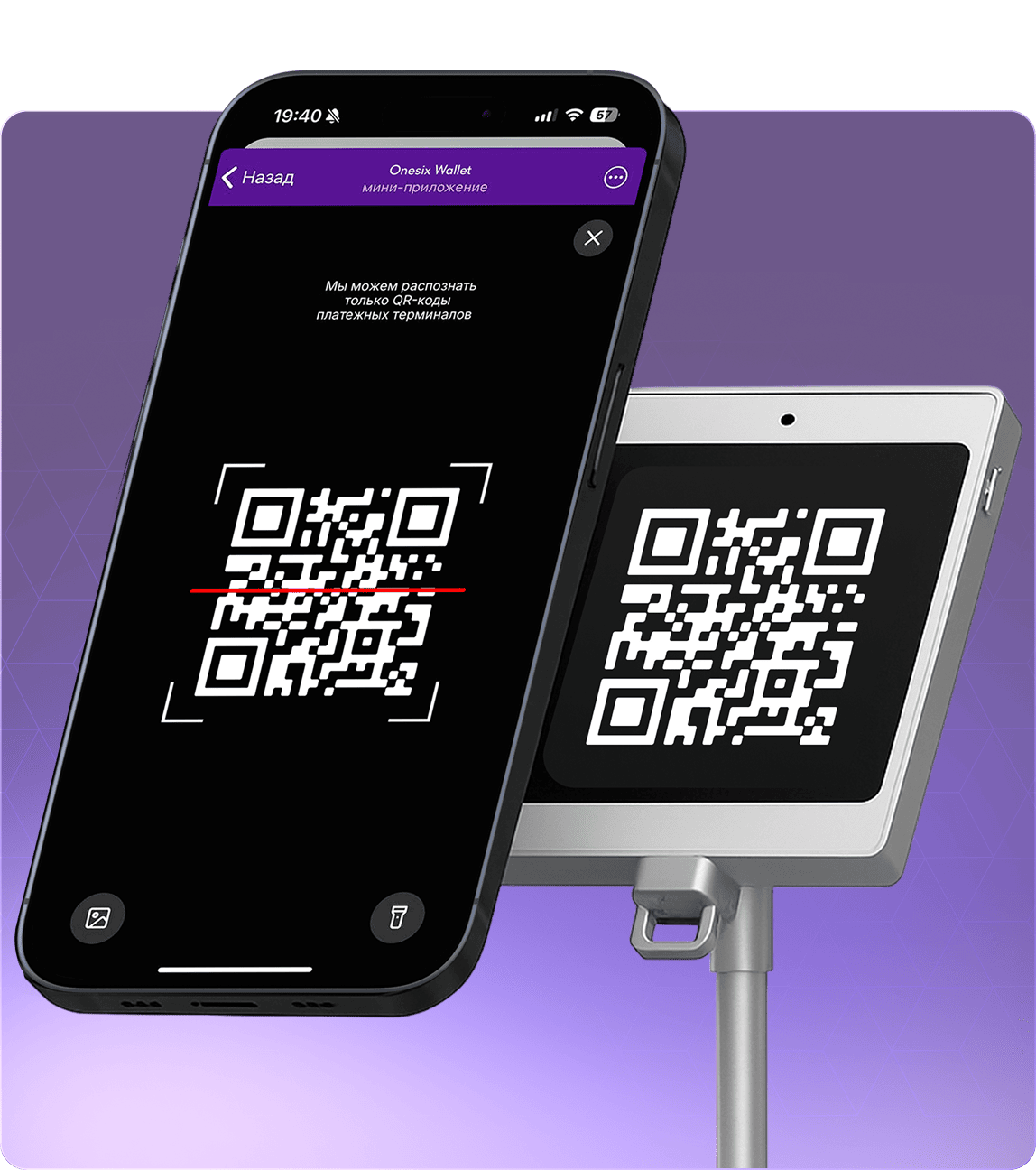
Оплата рублевых QR кодов

Оплата рублевых QR кодов
Платите в магазинах и на сайтах, используя баланс вашего криптокошелька

Удобный бот прямо в Telegram
Мы разработали MiniApp в Telegram для быстрого доступа и управления своими активами

Минуя обменники
Вам больше не придется работать с обменниками и рисковать своей безопасностью

Быстрая оплата
Среднее время оплаты QR кодов в течение 1 минуты после сканирования
Никаких скрытых комиссий
Мы не взимаем дополнительных или скрытых комиссий, оплата происходит по курсу USDT, указанному в приложении
Хранение криптовалют

Быстрые транзакции
Пополнение баланса в течение 5 минут после обнаружения транзакции в обозревателе. Отправка в течение 1 минуты после запроса на отправку

AML проверка входящих/исходящих транзакций
Мы проверяем все транзакции для обеспечения чистоты вашей криптовалюты. Если пополнение не прошло проверку, то оперативно отправляем транзакцию обратно
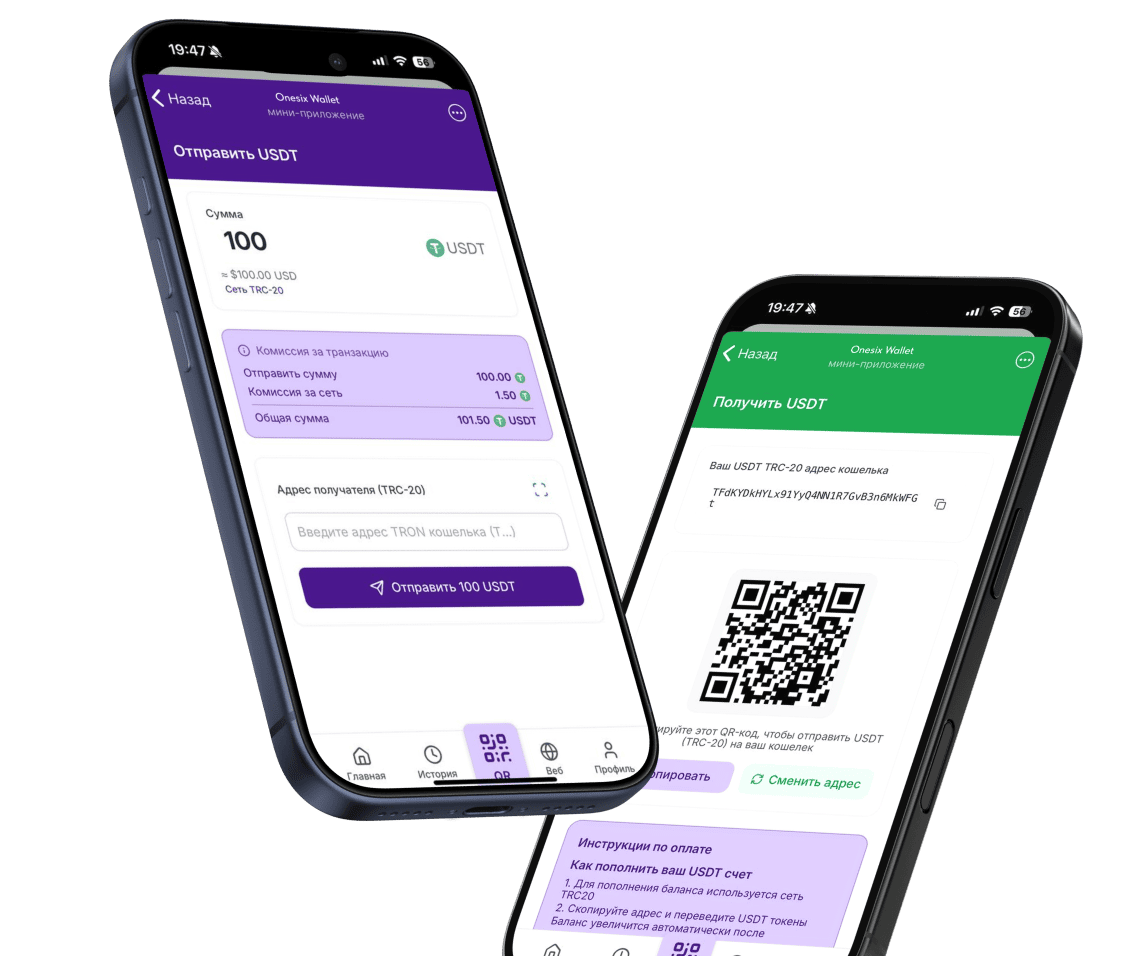

Безопасное хранение
Мы безопасно храним вашу криптовалюту, используя холодные хранилища

Нет комиссии за пополнение
Мы не взимаем комиссии за пополнение вашего кошелька криптовалютой.
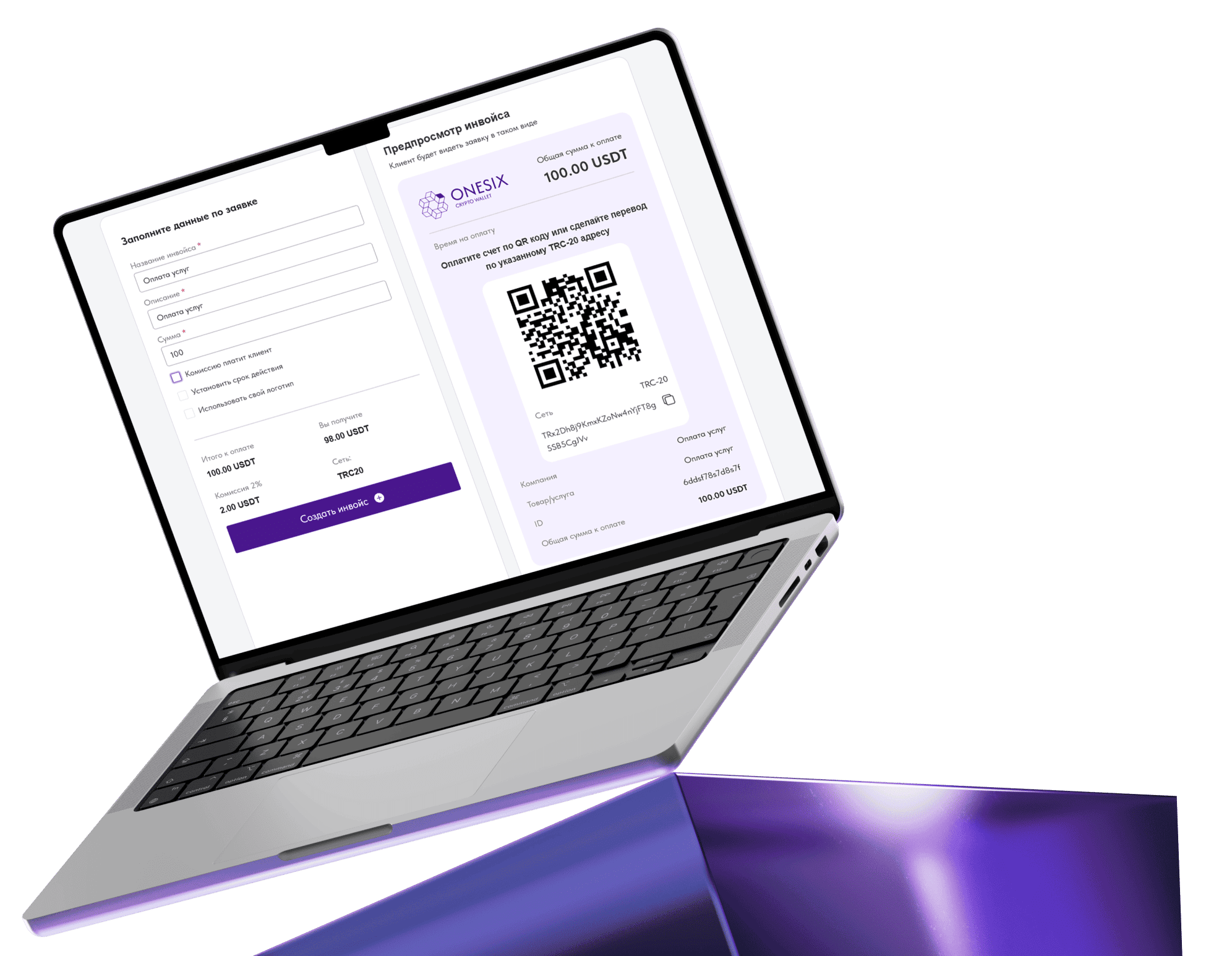
Инвойсы
Создавайте персонализированные инвойсы и платежные ссылки для получения оплаты за ваши услуги

Вывод в рубли

Модель работы
Мы выступаем посредниками между продавцом криптовалюты и покупателем рублей, по методу P2P

Безопасный вывод на СБП и карты
Мы сотрудничаем только с верифицированными и проверенными агентами и несем ответственность за каждую сделку

Удобный интерфейс
Мы создали дружелюбный, интуитивно понятный интерфейс

Быстрое выполнение заявок
Среднее время выполнения заявок на вывод - 5 минут
Бизнес-инвойсы
Комиссии от 0.4% за транзакцию
Мгновенные транзакции
Гибкий и мощный API
Быстрое подключение к вашему сайту
Автоконвертация в USDT
Персональная поддержка
Реферальная программа
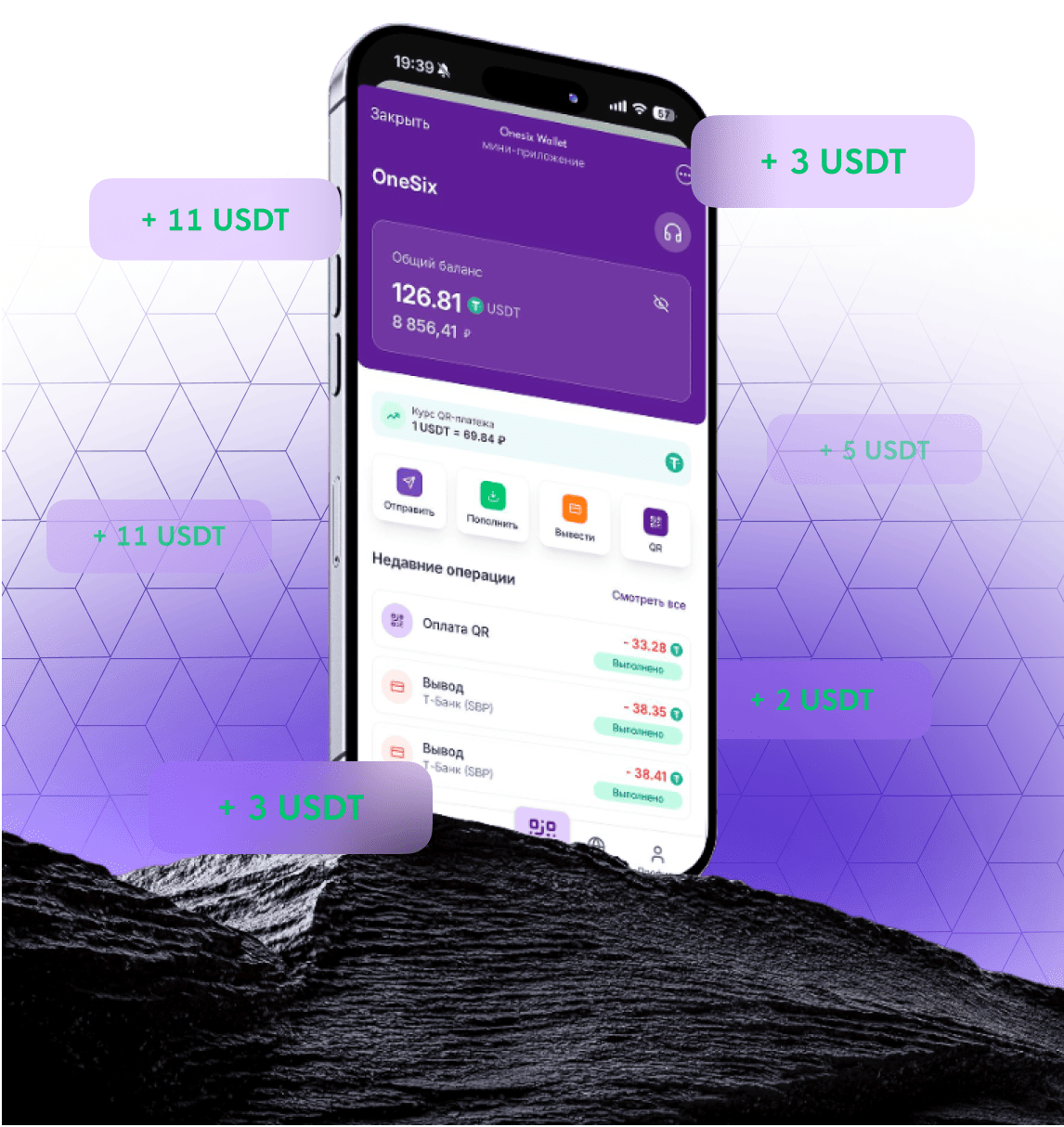

Двухуровневая реферальная система
Вы получите 30% комиссионных за 1-й уровень и 5% за 2-й уровень

Получайте комиссионные за все действия
Вы получите комиссионные за все действия привлеченных клиентов, связанные с рублями: Оплата QR кодов и вывод на СБП/карту

Нет ограничений на кол-во рефералов
Никаких ограничений, приглашайте хоть 1, хоть 1000 рефералов

Моментальное получение вознаграждений
Комиссионные приходят на ваш баланс сразу же, после успешного действия вашего реферала
Часто задаваемые вопросы
Поддерживаете ли вы другие криптовалюты?
Как пополнить кошелек?
Как вывести криптовалюту на банковский счет?
Что будет, если транзакция не пройдет проверку AML?
Безопасен ли ваш кошелек?
Каковы комиссии за транзакции?
Как работает реферальная программа?