13 min read

How to Verify TRC20 USDT Transactions Safely

Step-by-step guide on how to verify TRC20 USDT transactions in Tronscan, avoid scams and keep your crypto safe with the OneSix wallet for Russian users.

How to Verify TRC20 USDT Transactions Safely
Security guide • OneSix

How to Verify TRC20 USDT Transactions in a Blockchain Explorer and Keep Your Funds Safe

Step‑by‑step guide for Russian-speaking crypto users: how to read Tronscan, understand TRC20 vs TRX and use OneSix wallet to stay safe.

Why a blockchain explorer is your best friend in 2026

A blockchain explorer is essentially an X‑ray for your crypto transfers: it shows whether a transaction went through, who sent it, who received it, the exact amount and the fee. For TRON — the network where USDT TRC20 lives — the main tool is the official Tronscan explorer and compatible services.

While many people only read flashy «crypto news» headlines, more advanced users start with the explorer. That is where real on‑chain activity is visible, not just marketing — and this is a core security skill for any crypto user in 2026.

TRC20 vs TRX: what is the difference?

TRC20 is the token standard on the TRON blockchain, similar to ERC‑20 on Ethereum. USDT TRC20 and thousands of other tokens follow this standard. Transactions, however, are processed by the TRON network itself, so you should always look them up in a TRON explorer — not in Ethereum or BNB explorers.

TRON wallet addresses usually start with the letter T. When you receive USDT TRC20:

  • the recipient address must start with T and match your own TRON wallet (always double‑check the first and last few characters);
  • you search for the transaction in the explorer either by this address or by the TxID.

Why OneSix makes TRC20 checks easier for Russian users

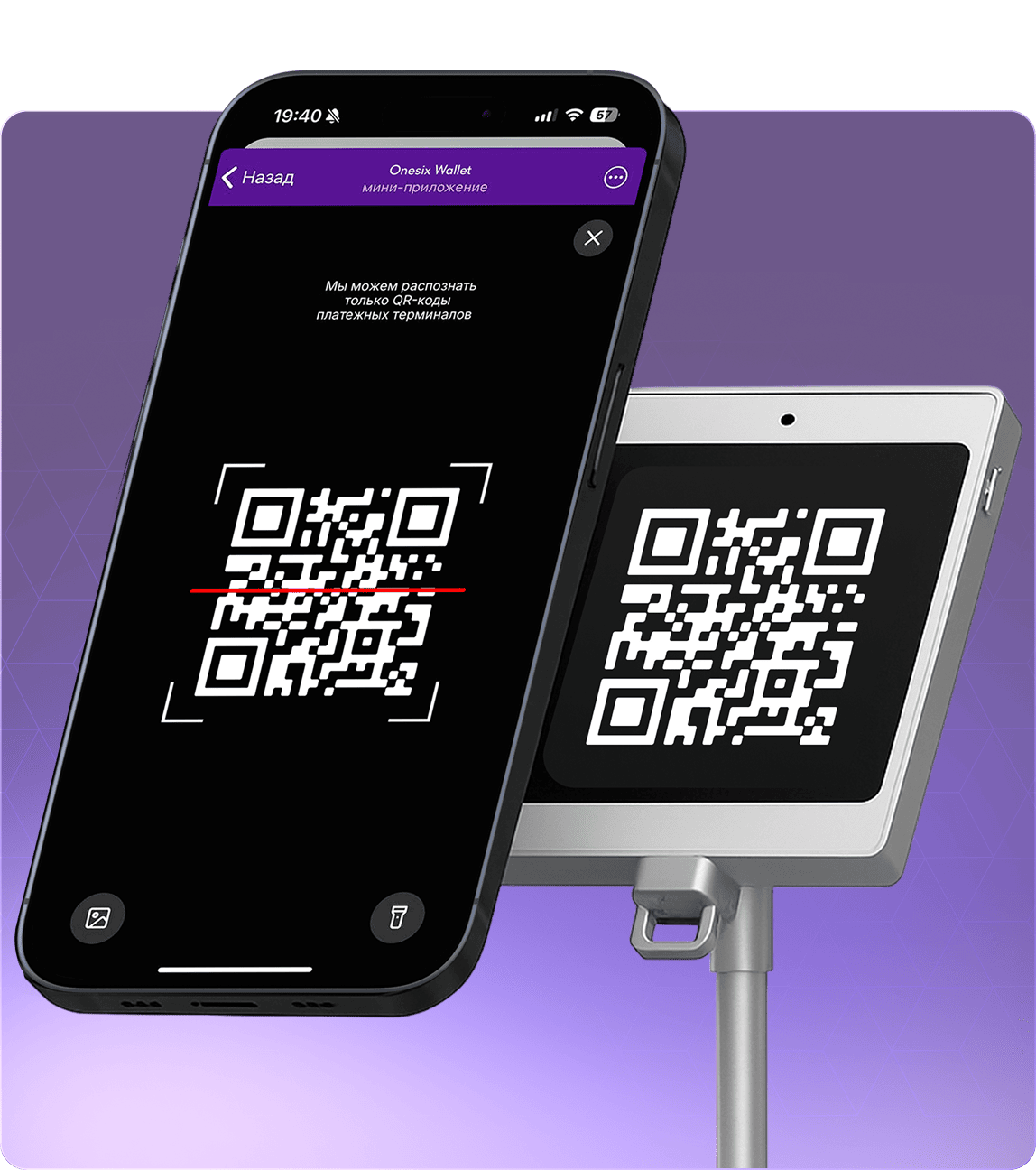
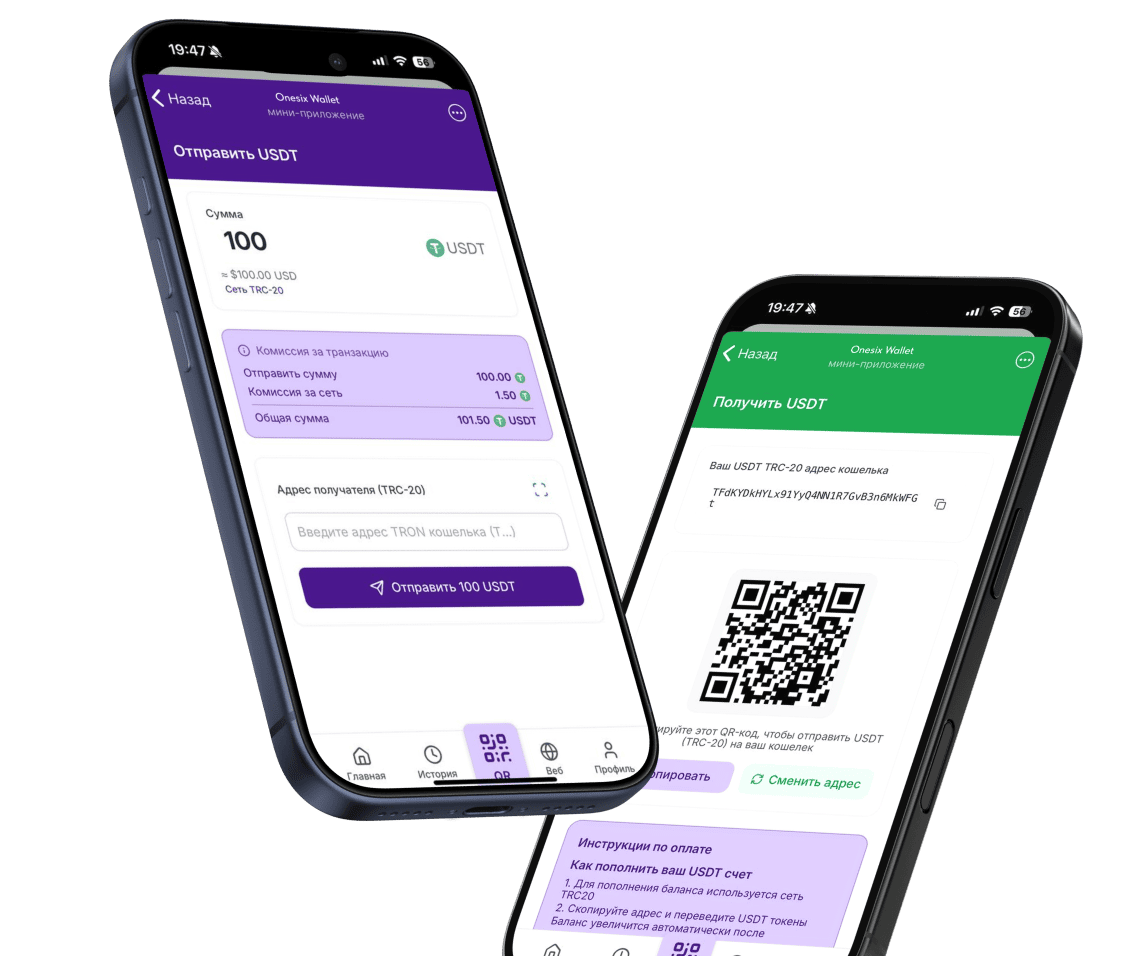
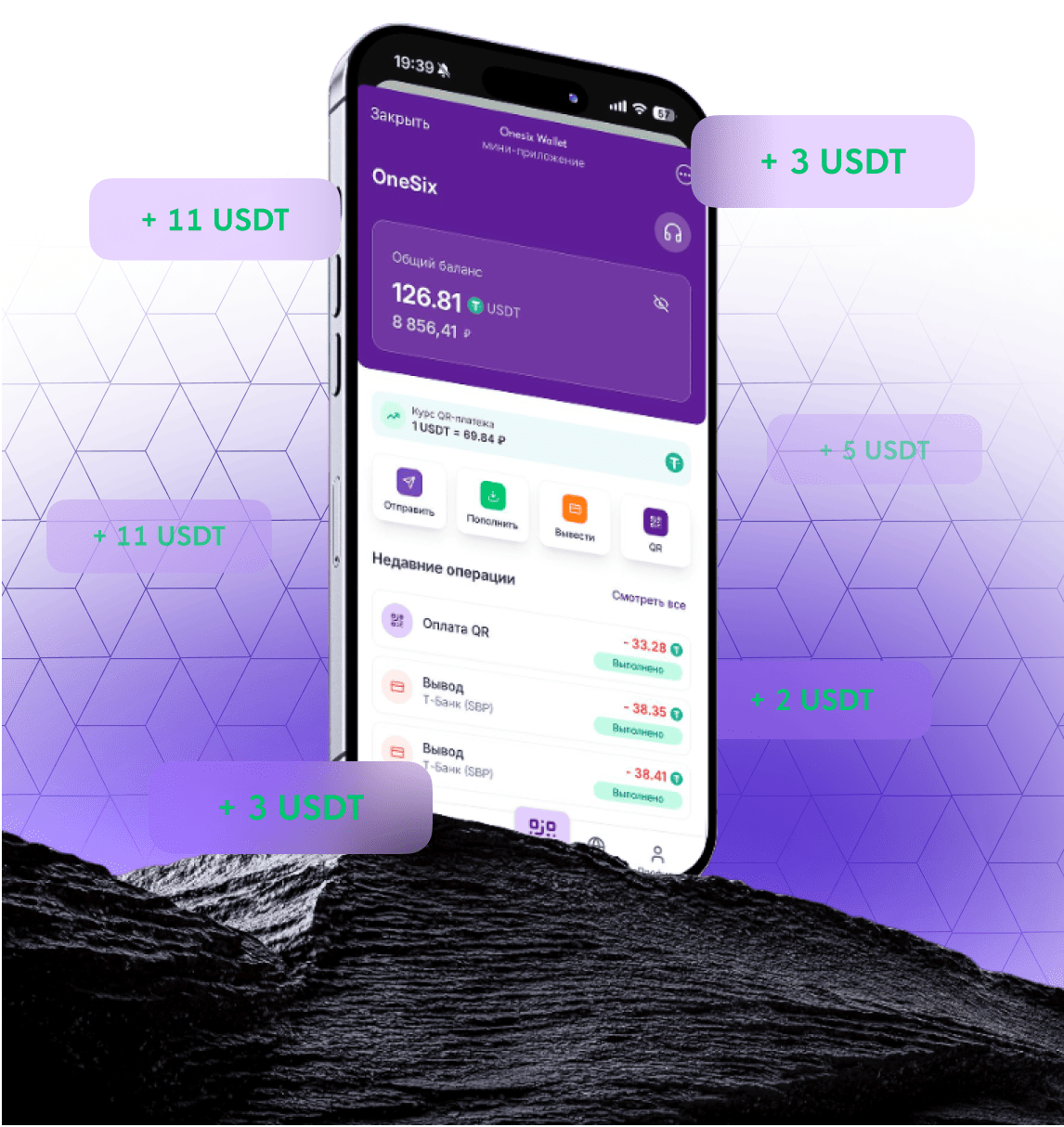
OneSix is a crypto wallet focused on USDT on the TRC20 network and fast, practical transfers for users from Russia. Instead of manually checking each transaction in the explorer, you get:

  • clear status of every USDT TRC20 transfer right inside the interface;
  • network and fee hints that help you avoid mixing TRC20 with other options;
  • instant notifications about incoming transfers without refreshing Tronscan.

On top of that, OneSix helps you use crypto in everyday life — pay for purchases and move funds to fiat — while relying on the actual TRON transaction status on‑chain.

OneSix does not promise «guaranteed yields» or participate in hype schemes. The focus is on transparent transfers, reasonable fees and understandable security for everyday users.

How to find your TRC20 USDT transaction in Tronscan

There are two main ways to locate your transaction: by TxID (transaction hash) and by wallet address.

1. By transaction hash (TxID)

  1. Open the official Tronscan website (always verify the domain and SSL certificate to avoid phishing clones).
  2. Paste the TxID from your exchange or wallet into the search bar.
  3. Open the transaction page and check the status, addresses and amount.

This method is perfect when you withdraw from an exchange: you copy the TxID from the withdrawal history and see what is really happening on TRON.

2. By wallet address

  1. Copy your TRON wallet address (starting with T).
  2. Paste it into Tronscan search.
  3. Open the account history and find the needed USDT TRC20 transfer by time and amount.

This way you can confirm that tokens reached your address even if the exchange or a third‑party service has not updated the balance yet.

Understanding the TRC20 transaction page

The transaction page in Tronscan contains several key fields you should understand.

Status

Success / Confirmed means the transaction has been accepted by the TRON network. Pending means it is still being processed, and Failed often points to an error (for example, not enough resources such as energy or bandwidth).

Block and confirmations

The block number tells you where the transaction was included. TRON produces blocks every few seconds, so confirmations are added quickly. The more confirmations you see, the harder it is to reverse the operation.

Timestamp

This field shows the exact time when the transaction was added to a block, which is useful to compare with your exchange or wallet history.

From / To

These fields show the sender and the recipient addresses. By clicking on any address, you can access its full profile: TRX balance, tokens and full transaction history. If the recipient address does not match yours, do not consider the transfer as received.

Token Transfer / Amount

The Events / TRC20 Transfer section shows which token was transferred (for example, USDT), its smart contract, symbol and exact amount. This is crucial for distinguishing real USDT from scam tokens that may look similar.

Fees and resources

On TRON, fees are paid in TRX and depend on how much energy and bandwidth the transaction consumes. The transaction page shows how much TRX was spent and which resources were used. If you stake TRX, some transfers can be almost free.

Events / Logs

TRC20 transactions usually contain a Transfer event with from, to, value and the token smart contract address. This event is exactly what represents the token transfer inside a TRON transaction.

How to make sure it is real USDT TRC20

Before you treat a transfer as «received», go through this quick checklist:

  • Correct network. You are viewing the transaction on TRON Mainnet on the official Tronscan website, not on a testnet or a fake domain.
  • Correct address. The To field contains your TRON address (double‑check first and last characters).
  • Real USDT token. The Transfer event shows USDT with the official TRC20 Tether smart contract; if in doubt, verify the contract address using trusted sources.
  • Amount matches. The number of tokens in the Transfer event equals the amount you were supposed to receive.
  • Status is Success with enough confirmations. The number of block confirmations is at least what your exchange or service requires.

How OneSix helps you avoid TRC20 mistakes

Most TRC20 problems do not come from the TRON network itself but from user mistakes: wrong network, wrong address, ignoring TxID or landing on phishing websites.

OneSix reduces these risks by:

  • focusing on TRC20 and USDT, so you are less likely to choose the wrong network;
  • showing clear transaction statuses and highlighting potential issues (for example, when tokens are still in transit);
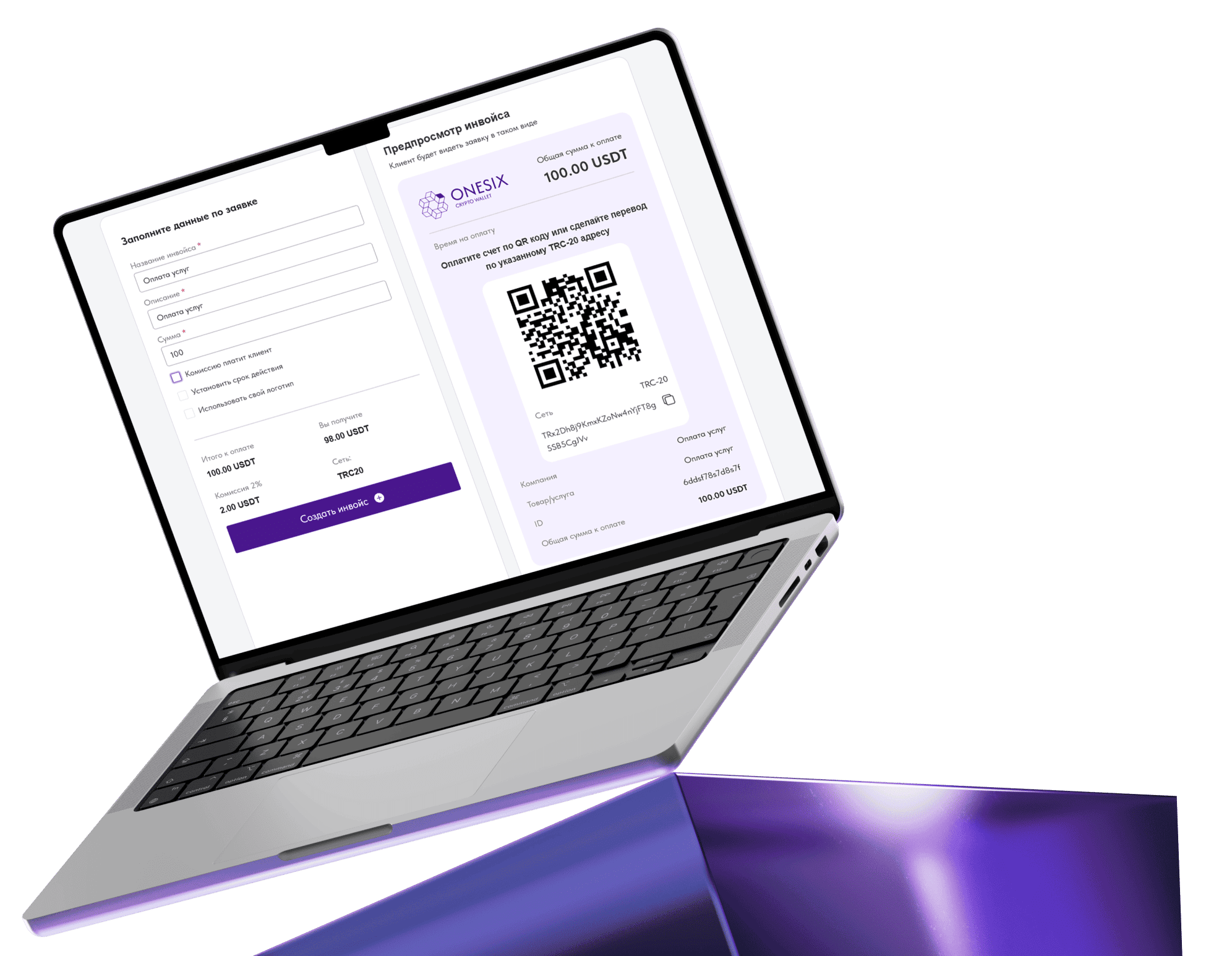
  • supporting everyday scenarios like «crypto → rubles» and QR payments, where it is critical to confirm that a transaction is truly complete.

Instead of explaining to your counterparty how to «open Tronscan and find the TxID», you can simply share a status screenshot from OneSix with a clear confirmation time and amount.

OneSix security checklist for TRC20 users

Save this mini‑checklist and follow it before every major USDT TRC20 transaction:

  • verify that the explorer website is the official Tronscan, not a phishing clone;
  • always double‑check the first and last characters of the recipient address;
  • after withdrawing from an exchange, locate the transaction by TxID and inspect the status;
  • make sure the token is USDT TRC20 with the correct smart contract;
  • use a wallet that does most of these checks for you and keeps the interface focused on what you actually use — like OneSix.

If you are a Russian‑speaking user working with USDT TRC20 on a daily basis, OneSix can make your transfers safer and more transparent — without hype, just clear on‑chain information and convenient tools.