How to Use a Ledger Wallet and How to Withdraw via OneSix in Russia
Setting Up Ledger and Receiving Crypto
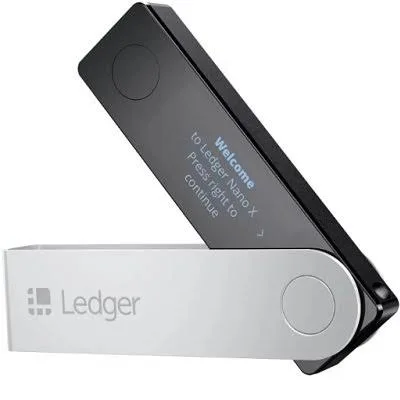
Ledger is a hardware wallet that keeps your private keys offline and requires physical confirmation for each transaction. You set it up through Ledger Live by creating a PIN, writing down your seed phrase, and installing apps for specific blockchains.
To receive funds, open Ledger Live, choose the asset account, click “Receive” and copy or scan the displayed address; this is what you use when withdrawing from exchanges.
Sending Crypto from Ledger
To send, select “Send” in Ledger Live, pick the asset, paste the recipient’s address, enter the amount and confirm the transaction on your device by checking the details and approving. This flow minimizes address‑spoofing risk because you see the destination address on the Ledger screen itself.
Ledger for Storage, OneSix for Ruble Cash-Out
For users connected to Russia, Ledger works best as long‑term cold storage, while OneSix works as a hot wallet specialized in USDT TRC20 and RUB withdrawals. You can periodically move part of your holdings from Ledger to an exchange or directly to a TRC20 address, then send USDT TRC20 to OneSix.
OneSix converts those USDT into rubles and pays out via SBP to Russian bank cards, so your core capital remains on the hardware wallet while only operational liquidity passes through exchanges and payment rails.
